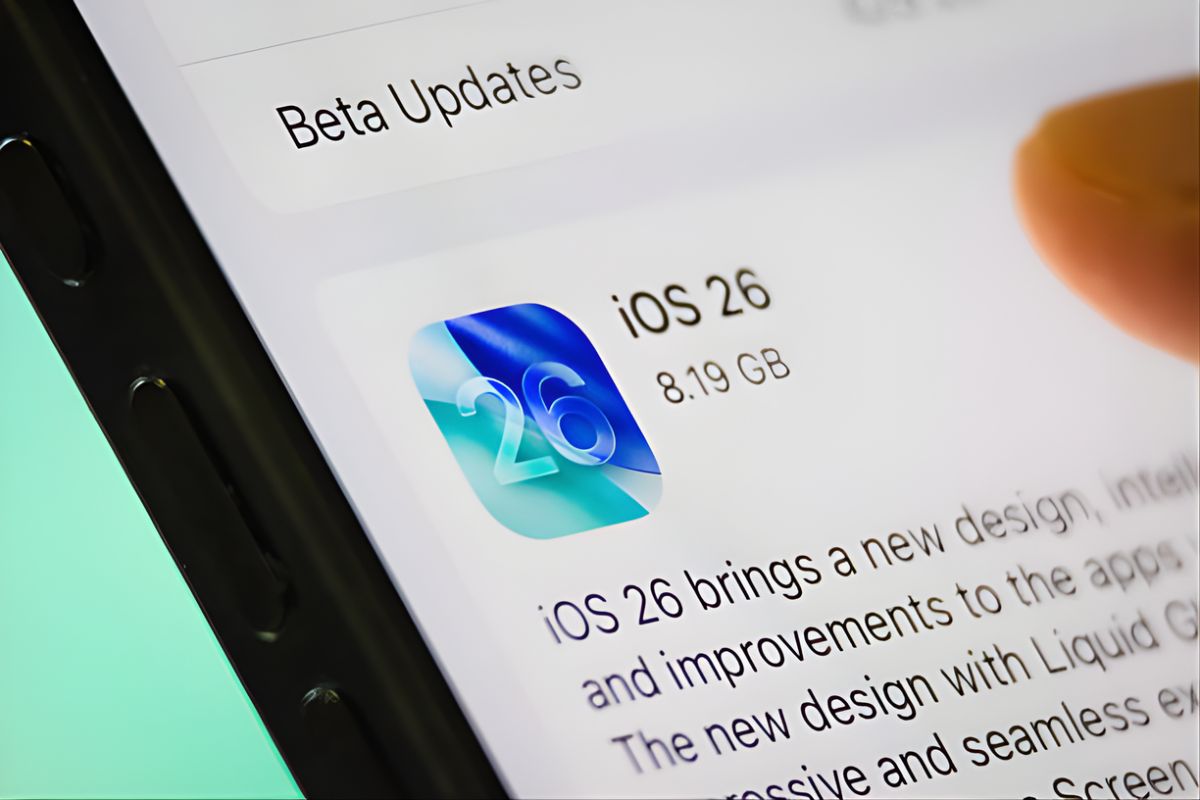
So, what to do if you want iOS 26 on your iPhone? It’s actually pretty straightforward. Go to Settings, tap General, and choose Software Update, and you’ll find it sitting there waiting for you to install. Tap Download and Install. Done.
But hold on. Before you smash that install button, here are a few things you should know. iOS 26 was released on Sept. 15, and it has been a bit of a disaster for some folks. The Liquid Glass style is cool in screenshots but has been a real-world headache. We’re now on iOS 26.1 as of early November, which fixed some issues, and iOS 26.2 is coming in December.
Your Phone Might Not Even Work With It
This time, Apple stopped supporting three phones. If you have an iPhone XS, XS Max or XR from 2018, well, bad luck. You can bet that those aren’t going to be running iOS 26.
Anything from 2019 to the present works well. iPhone 11 onwards and the second-generation iPhone SE from 2020. Simple rule: 2019 or later means you’re good.
The Apple Intelligence stuff, though? That will require an iPhone 15 Pro or any iPhone 16 series model. Got an iPhone 12 or 13? You can install iOS 26, but none of the AI features will fire.
What Changed
Liquid Glass is the big thing. Apple redesigned everything to look translucent and shiny. Your home screen, apps, buttons, all of it. Some people think it looks gorgeous. Others say it looks like Vista threw up on their phone.
The Phone app finally works better. You can scroll through contacts, recent calls, and voicemail on one screen instead of jumping around. Hold Assist tells you when a real person picks up so you’re not sitting there listening to hold music forever.
Live Translate is actually useful. You can talk to someone who speaks another language, and it translates in real time. On device, not sending your conversation to Apple’s servers.
The camera app got simplified. Buttons are in smarter spots. Less hunting when you’re trying to snap a quick photo.
The lock screen’s more customizable now. The clock adjusts size based on what’s on screen. More widget options. 3D effects for wallpapers if you’re into that.
Messages has polls for group chats. About time. No more 50 messages arguing about where to eat dinner.
Actually Installing It
Free up 6 to 8 GB first. Delete photos, clear out apps you never use, and dump old videos. The update won’t work if you’re low on space.
Back up your phone. iCloud or computer, it doesn’t matter. If something breaks during installation, you’ll need that backup.
Plug in or get to 50% battery minimum. Installation takes a while and kills your battery. Don’t try this at 20%.
Connect to WiFi. Don’t waste your data plan on several gigabytes.
Then Settings, General, Software Update. You’ll see iOS 18.7 and iOS 26. Apple put out 18.7 for security stuff if you don’t want the big update. Pick iOS 26 if that’s what you want. Hit Download and Install.
The download takes 10 minutes to an hour, depending on your internet. Installation takes another 15 to 30 minutes. The phone restarts a few times. That’s normal. Don’t freak out.
iOS 26 Beta For People Who Like Living Dangerously
Want to test stuff early? Join Apple’s beta program at beta.apple.com. Two versions exist: Developer and Public.
Developer beta comes first, but needs an Apple Developer account. Public beta comes later and anyone can join.
People are testing iOS 26 beta 3 right now for the December update. But betas are buggy. Apps crash. Features break. The battery dies fast. Only install betas on a phone you don’t depend on daily.
Hate the beta? You can go back. Wipe your phone and reinstall iOS 18. After the official release, just turn off Beta Updates in Settings and update normally.
When Everything Actually Came Out
The iOS 26 release date was September 15, 2025. Same day as the iPhone 17 launch. Apple always does that.
iOS 26.1 dropped November 3. Fixed tons of complaints. Made Liquid Glass less see-through with a tinted option. Changed alarms so you have to swipe to stop them instead of tapping. Added background security updates that install themselves.
iOS 26.2 is coming in December. No exact date yet. Beta’s out already with offline Apple Music lyrics and more Liquid Glass adjustments.
After that, expect updates every month or two through 2026. 26.3, 26.4, whatever. Each fixes bugs, patches security holes, and maybe adds small stuff.
iOS 26 Not Showing Up Fixes
Sometimes the update doesn’t appear. Try this stuff.
Check your WiFi connection. Updates won’t show on cellular.
Restart your phone. Hold the power button, slide to power off, wait 30 seconds, and turn back on. Check again.
Make sure your phone’s compatible. iPhone XS or older won’t show iOS 26 because those phones can’t run it.
Delete old software updates. Settings, General, iPhone Storage, scroll down, and delete any old iOS updates sitting there. Try checking again.
Still broken? Reset network settings. Settings, General, Transfer or Reset iPhone, Reset, Reset Network Settings. You’ll lose saved WiFi passwords but it usually works.
People Hate Liquid Glass
Biggest design change since iOS 7 in 2013. People are really split on it. Some love the modern look. Others say it’s hard to read, causes eye strain, and looks cluttered.
The transparency makes the text tough to see, depending on the wallpaper. Dark mode helps some. iOS 26.1 added a tinted option that reduces transparency. That helps too.
Hate it completely? Too bad. There’s no way to turn off Liquid Glass entirely and get the old flat design back. You can adjust it in Settings, but can’t eliminate it.
Should You Even Bother
Here’s my take. iOS 26 is okay now that 26.1 is out. The September release had battery drain, performance problems, and crashes. Most of that’s fixed.
Got an iPhone 15 or 16 and want Apple Intelligence? You have to update. Those AI tools only work on iOS 26.
Older phone, and everything works fine now? No rush. Stick with iOS 18 for a while. You’ll miss new features and eventually security updates, but your phone keeps working.
How to get iOS 26 is easy. Whether you should actually get it depends on if you want new features or if you’d rather your phone just keep doing what it does now. Up to you.